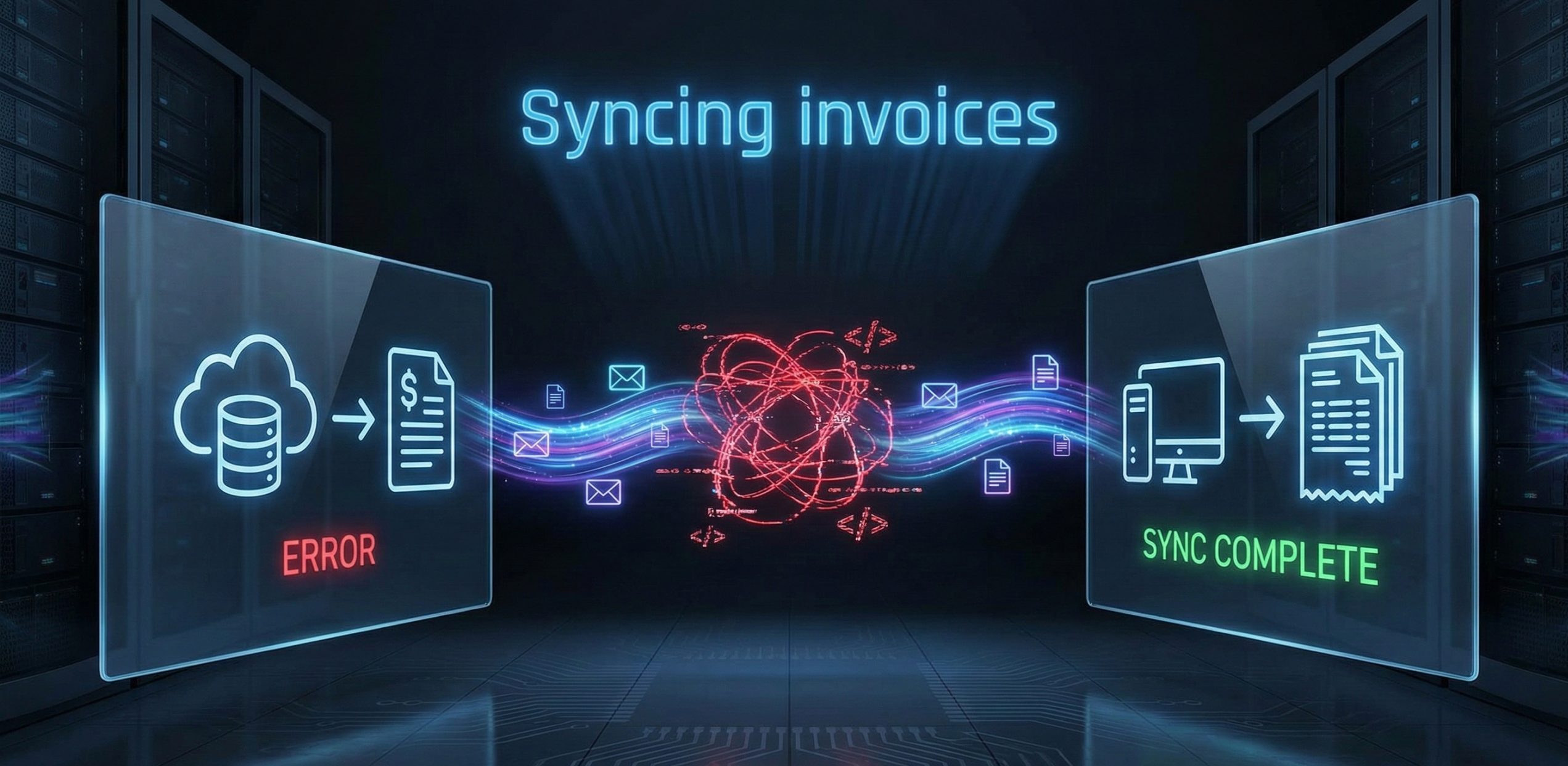
As businesses grow and adopt a variety of tools such as invoicing software, payment gateways, and accounting systems the need to sync invoices across multiple platforms becomes crucial. Proper synchronization ensures that all systems are updated in real time, saving businesses time, reducing manual errors, and ultimately improving operational efficiency.
Without syncing invoices, businesses often face challenges like data discrepancies, missed payments, and inconsistent records. For example, an invoice marked as paid in a payment gateway may not update in the accounting system, leading to confusion and potential financial reporting errors. These discrepancies often require time-consuming manual reconciliation, which can be inefficient and prone to human error.
Are you tired of manually reconciling invoices across different platforms? If you’ve ever faced this challenge, you know that it not only wastes valuable time but also opens the door for mistakes that can affect cash flow, customer satisfaction, and overall business performance.
By ensuring seamless synchronization across tools, businesses can eliminate these issues, streamline their invoicing process, and focus on what truly matters growth. Invoice synchronization best practices can help you integrate your systems effectively, ensuring that your invoicing is accurate, timely, and fully automated. Let’s explore how automated syncing of invoices can revolutionize your business operations.
In today’s fast-paced business environment, syncing invoices across multiple tools is no longer just a convenience, it’s a necessity. As businesses grow and adopt more sophisticated invoicing systems, payment gateways, accounting software, and CRM platforms, it becomes increasingly important to ensure these systems communicate effectively with one another. Proper synchronization of invoices between these platforms guarantees that the data is accurate, up-to-date, and consistent across all systems, driving operational efficiency.
When your invoicing system is integrated with platforms, it enables real-time data flow between them. For example, when a payment is made, it is instantly reflected in your invoicing system, automatically marking the invoice as paid and updating the financial records in your accounting system. This seamless integration ensures that payment statuses, customer details, and financial information remain synchronized across all tools, preventing discrepancies that could lead to delays or errors.
The benefits of automation and invoice synchronization are clear:
Incorporating invoice syncing across tools not only saves time but also provides businesses with more accurate, reliable financial data. This leads to more informed decision-making and better financial management. As businesses scale, syncing invoices becomes a fundamental strategy for maintaining efficiency, accuracy, and financial health.
While syncing invoices across multiple platforms offers significant advantages, it’s not without its challenges. Businesses often encounter several issues when trying to keep data consistent between invoicing software, payment gateways, accounting platforms, and CRMs. These challenges can lead to data discrepancies, missed payments, and ultimately hinder business operations. Let’s explore some of the invoice synchronization challenges businesses face and how these can impact the workflow.
Challenge:
One of the most common issues in syncing invoice data is data mismatches. These occur when the information passed between systems doesn’t align properly. For instance, an invoice marked as “paid” in a payment gateway might not update accurately in the invoicing system, or a customer’s name or billing address may appear differently in each system. These discrepancies can cause confusion, result in billing errors, and lead to customer disputes.
Real-World Example:
Imagine a scenario where a customer pays for their invoice through Stripe, but the payment status doesn’t sync properly with your accounting system. This leads to the invoice still being marked as “unpaid,” and the customer may receive follow-up reminders unnecessarily, damaging customer relationships and wasting time.
Solution:
To address this, businesses must implement thorough data validation and consistency checks to ensure that data matches correctly across systems. Automated syncing tools with real-time updates can also help minimize these errors.
Challenge:
Synchronization delays can occur when there’s a lag in the time it takes for data to update across platforms. When invoices or payment statuses aren’t updated in real time, businesses may find that they’re working with outdated information, leading to inaccuracies in financial reporting, delayed payments, or missed opportunities for follow-ups.
Real-World Example:
Suppose an invoicing system generates invoices automatically, but the payment status doesn’t update until several hours later. This delay could cause businesses to miss critical payment reminders, delaying the payment cycle and negatively impacting cash flow.
Solution:
To combat this, businesses should focus on implementing real-time syncing with automated notifications that update all systems immediately after an invoice is created or payment is made. Utilizing cloud-based solutions that ensure instant data synchronization can drastically reduce delays.
Challenge:
Another significant challenge is inconsistent data formats. Different tools may store or display data in various formats (e.g., date formats, currency symbols, or text fields). For instance, one system may use the MM/DD/YYYY format for dates, while another uses YYYY-MM-DD, leading to confusion and errors when syncing invoices.
Real-World Example:
A small business that uses QuickBooks for accounting and Stripe for payments might face issues if the currency format isn’t standardized. If one system uses “$100.00” while the other uses “100,00$”, the mismatch can result in errors when syncing payment data, causing discrepancies in financial reports.
Solution:
To prevent this, businesses should ensure that all integrated systems use consistent data formats. Data mapping tools and API configurations can help normalize formats across systems, reducing compatibility issues and improving data integrity.
Challenge:
Integration conflicts arise when different tools or platforms don’t communicate well with each other. Even when APIs are used to connect invoicing systems with other software, conflicting updates or incompatible versions can cause failures in syncing invoices or payments.
Real-World Example:
A business that integrates its invoicing system with an outdated version of Stripe might experience integration conflicts that prevent payments from being properly recorded in the invoicing system. In this case, while the payment is processed, the invoicing system fails to update, leaving the invoice marked as unpaid.
Solution:
Regularly update all software versions and test integrations to ensure that compatibility issues are identified and resolved before they affect invoicing processes. Additionally, businesses should carefully select integration tools and platforms known for their robust support and seamless compatibility.
Challenge:
Despite automation, human errors still play a role in syncing invoices. This can happen when staff members manually input data, update customer details, or reconcile invoices across systems. These mistakes can lead to duplicate entries, missing payments, or errors in invoice amounts.
Real-World Example:
A staff member manually enters payment information into the invoicing system, but incorrectly marks the payment as “partially paid” instead of “paid in full.” This oversight can cause confusion, delay payment follow-ups, and potentially damage customer relationships.
Solution:
To minimize human error, businesses should automate as much of the process as possible. Automated data entry, real-time syncing, and audit trails can significantly reduce the need for manual intervention. Additionally, training staff to use systems correctly and double-check entries can prevent common mistakes.
Syncing invoices across various platforms such as invoicing software, accounting tools, and payment gateways is crucial for maintaining an efficient and accurate invoicing system. However, businesses often face challenges when trying to keep data consistent across multiple tools. By following best practices for syncing invoices, businesses can automate processes, reduce errors, and improve operational efficiency. Below are some key practices that will help businesses ensure smooth synchronization between invoicing platforms and integrated systems.
Why It’s Important:
The first step to successful invoice synchronization is ensuring that your systems can integrate well with each other. Many businesses use a combination of invoicing software, payment gateways, accounting platforms, and CRM systems. For seamless operation, it’s essential to choose tools that are compatible with each other.
Best Practice:
Why It’s Important:
Manual data entry can lead to errors and delays, especially as your business scales. Automating invoice creation, payment status updates, and synchronization across different platforms reduces human error and saves time. Automation also ensures that all data remains up-to-date, reducing the risk of inconsistencies.
Best Practice:
Why It’s Important:
In any integrated invoicing system, it’s crucial to maintain consistency across all platforms. Having one platform as the “source of truth” ensures that all data across the different tools is aligned. This helps avoid discrepancies between tools, such as a payment being marked as “paid” in one system but “unpaid” in another.
Best Practice:
Why It’s Important:
One common problem businesses face when syncing invoices is format incompatibility. Different tools might store data in varying formats, leading to issues such as incorrect dates, mismatched currency, or inconsistent customer details. Standardizing data formats ensures smooth communication between systems and reduces errors.
Best Practice:
Why It’s Important:
Even with the best practices in place, problems can still arise. To catch issues before they impact your business, it’s essential to regularly test and monitor your syncing processes. This helps identify errors early, preventing them from causing larger issues later on.
Best Practice:
Why It’s Important:
Errors and conflicts, such as duplicate invoices or failed updates, are inevitable when syncing invoices. However, these issues can be minimized by setting up proactive error handling and conflict resolution mechanisms.
Best Practice:
Why It’s Important:
As businesses grow, their invoicing needs will evolve. What worked when you were a small business may not suffice as you scale, leading to performance issues or delays in syncing invoices.
Best Practice:
Syncing invoices across multiple platforms isn’t just a best‑practice theory. Real businesses are seeing measurable improvements in efficiency, accuracy, and cash flow by putting these strategies into action. Below are a few examples of how companies in different industries tackled invoice synchronization challenges and turned them into opportunities for growth.
The Challenge:
A growing eCommerce brand was selling products on multiple marketplaces and processing payments. The invoicing team spent hours every week manually reconciling sales, payments, and invoice statuses between their invoicing tool, payment gateways, and accounting software. Discrepancies in formats and delayed updates led to billing errors and slow financial reporting.
The Solution:
They implemented automated syncing of invoices using an integration platform that connected their invoicing software, Stripe, and QuickBooks Online. By setting up real‑time data flows, the business eliminated manual updates and ensured all systems reflected the same information instantly.
The Outcome:
This success story highlights the power of syncing invoices across tools to streamline operations and reduce costly manual labor.
The Challenge:
A SaaS provider used separate systems for CRM, invoicing, and accounting. While their CRM tracked customer plans and renewals, the invoicing system handled billing, and the accounting tool managed financial records. However, these tools weren’t fully integrated, leading to mismatched records and delayed revenue recognition.
The Solution:
By establishing a single source of truth in their accounting software and connecting all other tools to it via API‑based integrations, the company ensured that every invoice generated was automatically reflected in the CRM and accounting system with consistent data formatting.
The Outcome:
This example demonstrates how invoice system integration can strengthen financial consistency and reporting.
The Challenge:
A freelance consultant managing dozens of clients found that manually inputting invoice details into multiple tools led to frequent errors from incorrect invoice amounts to mismatched payment statuses. These issues slowed cash flow and damaged client trust.
The Solution:
The consultant adopted automated invoicing software that integrated with their accounting and payment tools. With real‑time syncing, every invoice, payment, and update propagated instantly across platforms.
The Outcome:
Key Takeaway
Across industries, businesses that adopt reliable invoice synchronization best practices and tools for syncing invoices see tangible benefits: fewer errors, streamlined workflows, and more predictable cash flow. These case studies show that thoughtful integration and automation are well worth the investment, enabling teams to focus on growth, not grunt work.
Syncing invoices across multiple tools is crucial for businesses looking to streamline their invoicing processes, improve accuracy, and enhance overall efficiency. By integrating invoicing software, payment gateways, accounting systems, and CRMs, businesses can automate data flow and eliminate the risk of errors caused by manual handling. Following the best practices outlined in this blog such as automating syncing, using a single source of truth, and testing integrations regularly ensures that your systems work harmoniously, providing you with real-time insights and reliable financial data.
With automated invoicing systems and seamless invoice system integration, businesses can reduce administrative overhead, speed up payment cycles, and improve cash flow management. This leads to more time for strategic growth, fewer billing disputes, and enhanced customer satisfaction.
If you’re ready to take your invoicing process to the next level, it’s time to implement the best practices discussed here. Consider using a platform like Retenva, which offers automated invoicing and seamless integration across various tools. Retenva simplifies syncing, ensuring your invoicing systems are always in sync and operating at peak efficiency.
Start exploring Retenva today to experience the power of streamlined, automated invoicing across your business tools. Sign up now and optimize your invoicing for faster payments, fewer errors, and greater efficiency.