Reduce integration issues in your invoice follow-ups with Retenva’s seamless sync across QuickBooks, Stripe, and Xero.

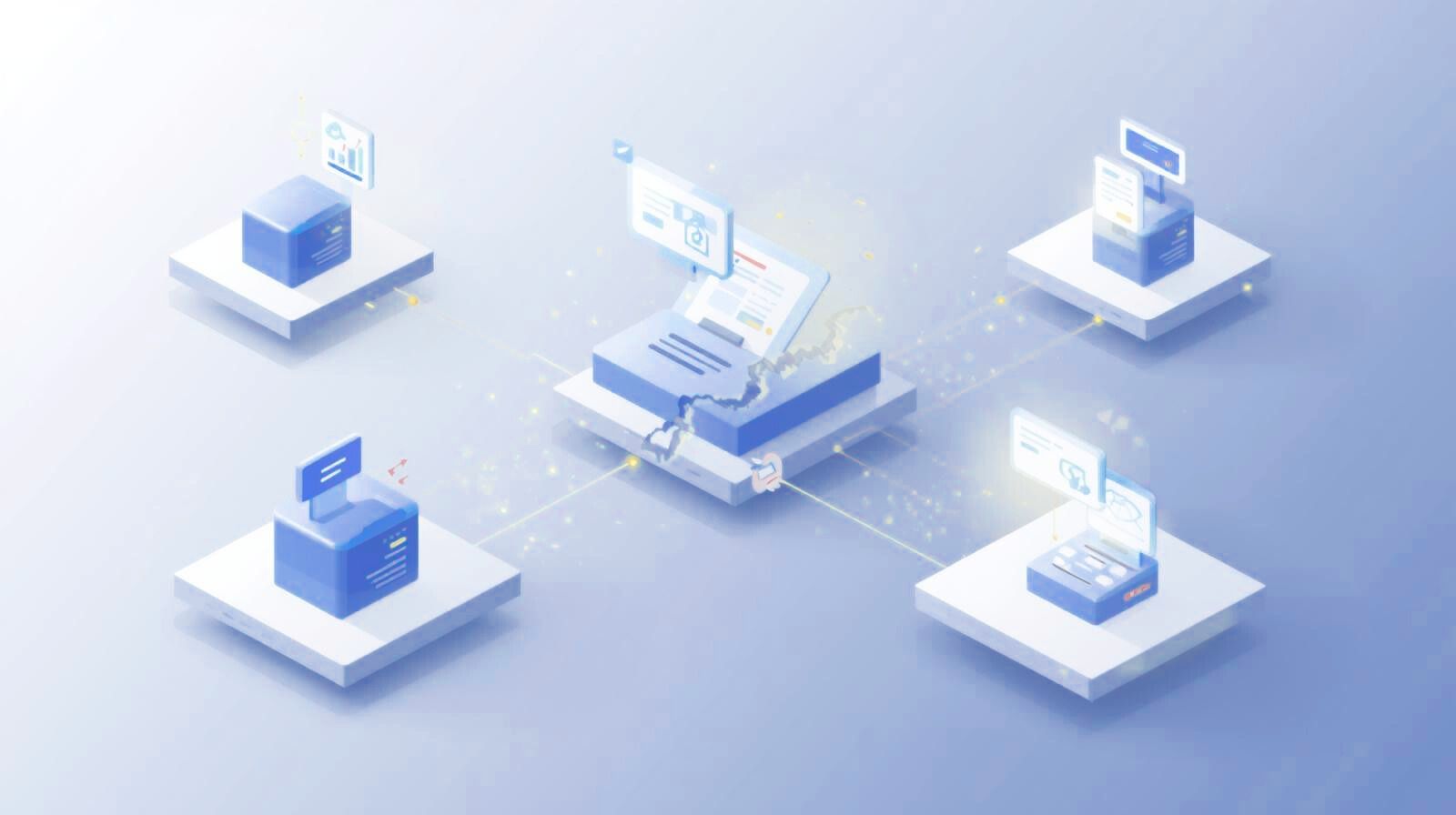
In today’s business environment, software tools rarely work in isolation. Accounting platforms, payment processors, messaging services, and automation tools are expected to communicate with each other seamlessly. When they do, workflows feel effortless. When they don’t, integration issues begin to surface, often quietly and without clear warning.
Integration issues occur when connected systems fail to exchange data correctly or consistently. In invoice automation environments, this can mean invoices not syncing, reminders not sending, or payment statuses failing to update. These problems don’t always show up as obvious errors, which is why they tend to stay longer than expected.
Some invoice automation platforms, such as Retenva, rely on real-time integrations to ensure reminders are triggered accurately.
Many businesses assume that once an integration is connected, it will continue to work indefinitely. In reality, integrations depend on multiple technical layers, all of which must function correctly at the same time.
Common dependencies include:
If even one of these components fails, integration issues can appear. According to MuleSoft’s Connectivity Benchmark Report, organizations use hundreds of applications on average, yet many remain only partially integrated. This fragmentation makes failures more likely.
One of the most frustrating aspects of integration issues is that they often develop without obvious alerts. An invoice may still be created correctly, giving the impression that everything is functioning as expected. Behind the scenes, however, the follow-up logic might already be broken.
Silent failures often involve:
Because automation depends on accurate and timely data, even a short interruption can disrupt follow-up sequences for days or weeks.
Application Programming Interfaces (APIs) are the backbone of modern integrations. They allow systems to request and send data to one another. When APIs are slow, restricted, or misconfigured, integration issues are almost guaranteed.
API-related problems usually occur due to:
Platforms like Stripe and QuickBooks regularly rotate or expire tokens to maintain security standards. If integrations aren’t refreshed, data flow stops.
Invoice automation is time-driven. Every step, from invoice creation to overdue detection, relies on accurate timestamps and status updates. This makes invoice workflows particularly vulnerable to integration issues.
For example:
These problems don’t just create confusion; they also damage trust between businesses and their customers.
Accounting and invoicing platforms are constantly evolving. While updates improve security and functionality, they can also introduce unexpected changes that affect integrations.
QuickBooks, Xero, and Stripe all publish regular updates and developer notices. If connected systems don’t adapt quickly, integration issues may occur, even if nothing was changed on the business side.
Another reason integration issues persist is human assumption. Teams often assume:
While these issues do happen, they’re frequently symptoms rather than root causes. In many cases, the automation never triggered because invoice data didn’t sync correctly.
When integration issues remain unnoticed, the consequences extend beyond technical inconvenience. Unpaid invoices pile up, manual follow-ups increase, and finance teams lose confidence in automated processes.
Over time, this leads to:
According to Experian, poor data quality and system inefficiencies significantly affect revenue and operational performance (https://www.experian.com/business-information/data-quality).
The goal isn’t to eliminate integration issues entirely, that’s unrealistic. Instead, businesses should aim to understand how integrations work and recognize early warning signs.
By treating integrations as living systems that require occasional attention, teams can respond faster, minimize disruption, and maintain reliable invoice automation.
Many teams assume integration issues are caused purely by faulty code or unstable APIs. In reality, industry research shows that most integration failures stem from a mix of technical and operational gaps.
A breakdown of common integration failures published by NinjaOne highlights recurring patterns such as poor visibility, lack of ongoing monitoring, and integrations being treated as one-time projects instead of long-term systems.
Similarly, Multishoring’s analysis of failed integration projects points out that problems often arise from unclear ownership, weak documentation, and unrealistic expectations around “plug-and-play” integrations.
These findings align closely with what happens in invoice automation environments. When integrations are set up once and forgotten, small changes, like platform updates, permission shifts, or data structure changes, can quietly trigger integration issues that disrupt syncing, automation, and follow-up workflows.
This is why successful automation systems don’t just rely on stable APIs. They rely on:
Clear ownership of integrations
Ongoing health checks
Realistic assumptions about failure
Monitoring instead of blind trust
Understanding this broader context makes it easier to troubleshoot specific platform problems, which is exactly what we’ll explore next.

Once you understand why integrations fail, the next challenge is identifying where things usually break. While every accounting or invoicing platform has its own technical structure, the same integration issues tend to repeat across tools like QuickBooks Online, Stripe Invoicing, and Xero.
The good news is that most of these problems are predictable. Knowing what to look for, and where, can save hours of guesswork and prevent revenue delays.
One of the most common integration issues occurs when API permissions expire or are revoked. These failures often happen silently, which makes them particularly dangerous in automated invoice workflows.
Common triggers include:
When authorization fails, invoices may stop syncing entirely or only partially update.
How to fix it:
Helpful documentation:
Another frequent integration issue is when invoices sync correctly but fail to update their status after payment. This often leads to paid invoices still appearing as unpaid or overdue.
This problem usually stems from:
Stripe confirms that webhook delivery is not guaranteed on the first attempt and requires retry handling.
Troubleshooting steps:
Relevant resources:
Missing invoices usually indicate filtering or data mapping problems, while duplicate invoices often point to partial sync failures.
Common causes include:
These integration issues often occur after configuration changes or platform updates.
What to check:
When reminders stop sending, many businesses assume email or SMS delivery is at fault. In reality, this is often one of the most misunderstood integration issues.
Typical underlying causes include:
If the invoice never reaches the correct status, reminder workflows won’t trigger at all.
How to diagnose:
Time-based automation is fragile. A small time zone mismatch can result in reminders being sent too early, too late, or not at all.
These integration issues usually happen when:
Best practice fixes:
High-volume invoice syncing can sometimes trigger API rate limits. When limits are exceeded, requests may be delayed or rejected entirely.
This can lead to intermittent integration issues such as:
Preventive strategies:
Despite different platforms and tools, most integration issues fall into a few core categories:
Once you recognize these patterns, troubleshooting becomes faster and more systematic instead of reactive.
Fixing integration issues is important, but preventing them is where real operational stability comes from. Businesses that rely on invoice automation often spend too much time reacting to failures instead of building systems that anticipate them. The most reliable workflows are not those that never fail, but those designed to recover quickly and visibly.
Preventing integration issues starts with shifting how integrations are viewed, from one-time setups to ongoing systems that require occasional attention.
One of the biggest causes of recurring integration issues is neglect. Once an integration is working, it’s easy to forget about it until something breaks. Unfortunately, APIs, permissions, and security rules change constantly.
Healthy integration practices include:
Platforms like QuickBooks and Xero regularly adjust backend behavior to improve security and performance. These changes don’t always break integrations immediately, but they can introduce subtle failures over time.
Automation depends on structured, consistent data. Messy or inconsistent invoice data is one of the most overlooked sources of integration issues.
Problems often arise when:
According to IBM reports that poor data quality costs organizations trillions globally.
Preventative best practices:
Clean data reduces the chance of automation logic failing unexpectedly.
Webhooks are responsible for real-time updates, including payment confirmations and status changes. When webhooks fail, integration issues become unavoidable.
Common webhook problems include:
How to stay ahead:
Without webhook monitoring, many businesses only discover problems after customers complain.
Relying on a single communication channel increases the impact of integration issues. If email delivery fails or SMS is delayed, reminders stop entirely.
Multi-channel communication reduces risk by:
Redundancy doesn’t just improve engagement, it protects automation from partial failures.
Many integration issues appear immediately after:
Yet testing is often skipped because everything “looks fine” on the surface.
A simple test process can prevent long-term failures:
This end-to-end check ensures that each integration step still works as intended.
When integration issues occur, the biggest delays often come from uncertainty. Teams may not remember which rules trigger reminders or how overdue status is calculated.
Documentation should include:
This reduces dependency on individual team members and makes troubleshooting faster and less stressful.
One of the most damaging habits is assuming integrations are working simply because there are no error messages. Silent failures are common in automation systems.
Preventive monitoring includes:
Google’s automation reliability guidance emphasizes proactive monitoring over reactive fixes.
No system is immune to integration issues. APIs will change. Platforms will update. Security rules will evolve. The goal is not perfection, it’s resilience.
By:
Businesses can ensure invoice automation continues to work even when unexpected changes occur.
To understand how integration issues play out in real environments, it helps to look at platforms built specifically around invoice automation. Retenva is one example of a system designed to work directly with established invoicing platforms rather than replacing them.
Retenva connects with:
QuickBooks Online
Stripe Invoicing
Xero
Instead of creating invoices itself, it imports invoice data from these platforms and monitors payment status in real time. When integration issues occur, such as delayed status updates or missed overdue triggers, the impact is immediately visible in reminder workflows.
What makes platforms like Retenva useful as a reference point is their dependence on:
Accurate invoice status syncing
Reliable webhook delivery
Consistent API authorization
If an invoice is marked paid in QuickBooks or Stripe, the reminder logic must stop instantly. If an invoice becomes overdue, follow-ups must trigger without manual intervention. Any breakdown in these steps highlights how tightly automation systems depend on stable integrations.
Retenva’s approach reflects a broader best practice in invoice automation: building workflows that assume integrations may fail occasionally and ensuring systems can recover quickly when they do. This makes integration reliability, not just automation features, the foundation of effective invoice follow-ups.

Integration issues are a natural part of any system that relies on multiple platforms working together. While they can’t be eliminated entirely, they can be understood, managed, and significantly reduced. The most successful businesses don’t wait for integrations to fail before acting, they build processes that anticipate change and respond quickly when something breaks.
By recognizing common failure patterns, applying consistent troubleshooting methods, and investing in preventive practices, organizations can turn invoice automation into a dependable engine rather than a fragile dependency. In the long run, resilience, not complexity, is what keeps integrations working and cash flow moving steadily.