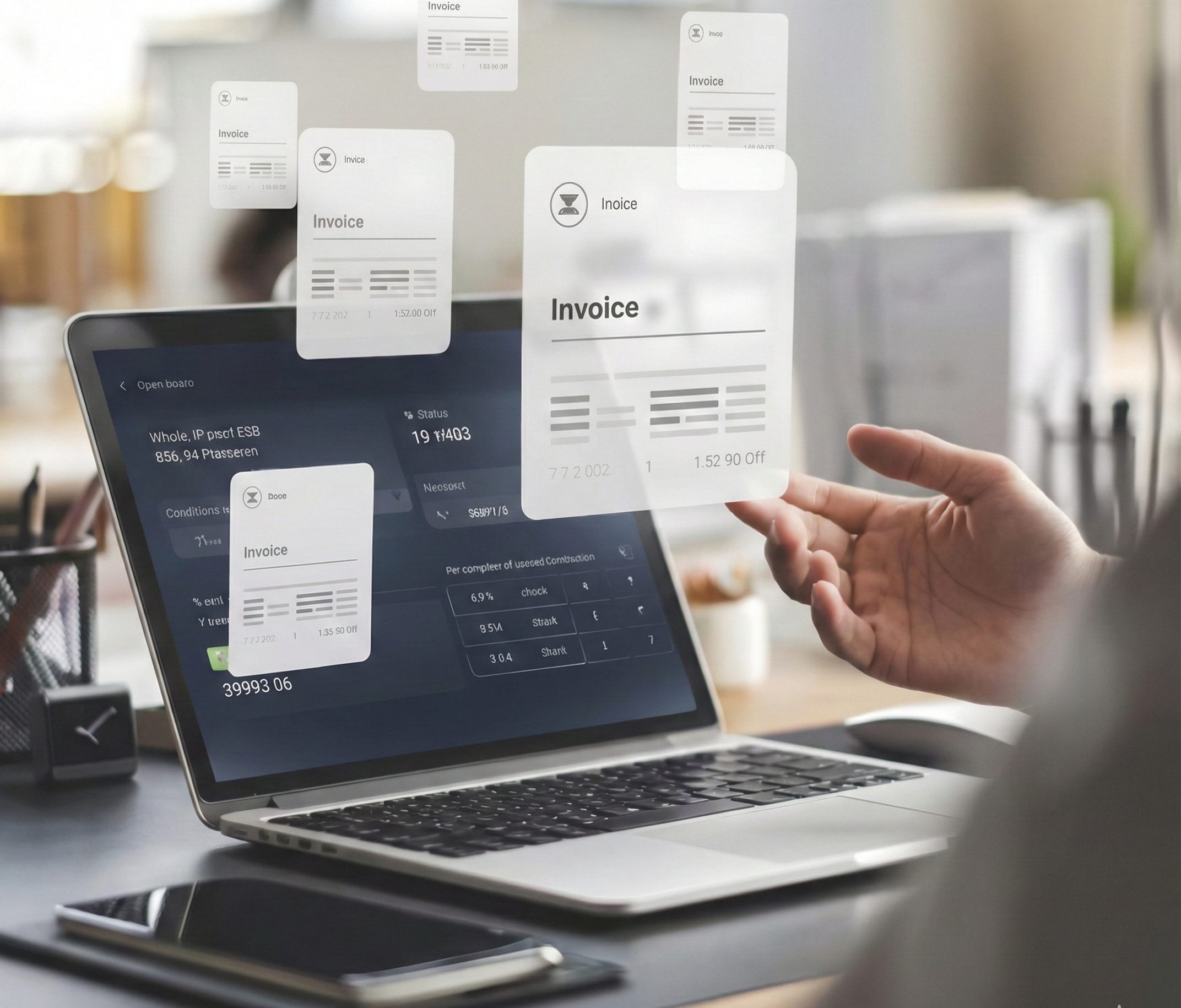
Integrating new tools or systems into your invoicing process is an exciting way to streamline your business operations, improve cash flow, and reduce manual tasks. However, without proper invoicing system preparation, these integrations can lead to more headaches than solutions. It’s essential to ensure that your system is ready before you connect new integrations, as this can help you avoid common issues like payment failures, data mismatches, and sync problems.
When you’re dealing with invoicing, every second counts. Payment delays, missing invoices, or incorrect customer data can disrupt your workflow and hinder cash flow. Automated invoicing systems can make this process much smoother, but only when the foundation is strong. Before connecting new integrations, it’s crucial to assess your current system, ensure compatibility, and plan for seamless data flow.
Proper invoice integration helps your systems sync smoothly, reduces errors, and improves communication between various tools, like accounting software or payment gateways. Taking the time to prepare your invoicing system will ensure a faster, more efficient integration process, allowing you to focus on what truly matters growing your business and getting paid faster.
In today’s fast-paced business environment, invoicing system integration is no longer a luxury it’s a necessity. Integrating your invoicing system with other tools can streamline your payment process, reduce manual tasks, and ensure smoother financial operations. Whether you’re using accounting software like QuickBooks, Xero, or a payment gateway like Stripe, integrating invoicing systems helps automate routine tasks, allowing you to focus on growing your business.
The role of integrations in invoicing systems goes beyond simple convenience. These integrations enable data to flow seamlessly between platforms, ensuring that everything from invoices to payment statuses is automatically updated across all systems. For instance, by integrating with accounting tools like QuickBooks, businesses can automate the transfer of invoice data, eliminating the need for manual entry and reducing the risk of errors. Similarly, integrating a payment gateway like Stripe ensures that once an invoice is paid, the payment status is immediately reflected in your invoicing system, preventing discrepancies.
Furthermore, integrating with Customer Relationship Management (CRM) systems ensures that customer data is up-to-date and accurate. This integration enables businesses to send personalized, automated invoice reminders and follow-up messages, improving the customer experience and speeding up payment collections.
The ability to connect invoicing systems with various tools offers numerous benefits:
Ultimately, these integrations lead to a more efficient and reliable invoicing process, allowing businesses to reduce operational overhead and improve financial visibility. By setting up invoice integration tools properly, businesses can create a seamless workflow that keeps the money flowing and clients happy.
Integrating new tools into your invoicing system can significantly streamline your business operations. However, preparation is key to ensure the integration process is smooth and efficient. By following these essential steps, you can make sure your invoicing system is ready for new integrations. Here’s how to get started:
Before you dive into the world of integrations, it’s essential to take a step back and evaluate your current invoicing process. This will help you identify areas where invoicing system automation can make the biggest impact. Start by asking yourself these questions:
Once you have a clear picture, you can pinpoint the manual tasks that are slowing you down or prone to errors. For example, if you are manually entering invoice data into your accounting software, this could be a significant opportunity for automation.
Document the following key processes:
Identifying areas that can benefit from automation will help you select the right integrations and tools to streamline these processes.
The next step is to choose the right integrations for your business needs. Different tools can serve different purposes, and choosing the right ones can make a significant impact on the efficiency of your invoicing system.
When selecting integrations, think about:
Once you’ve selected your integrations, the next step is to map out the data flow and automation needs. This is a crucial part of preparing your invoicing system for integration, as it ensures the seamless exchange of data between your invoicing system and integrated tools.
Here’s how to map out the process:
Automation can drastically improve the efficiency of your invoicing system, freeing up time for more critical tasks.
Before diving into the integration process, it’s essential to ensure that your invoicing system is fully compatible with the tools you plan to use. Compatibility issues can cause data mismatches, errors, or failures in automation.
Key areas to check for compatibility:
By ensuring compatibility, you’ll reduce the risk of errors and streamline the integration process.
After setting up your invoicing system with the chosen integrations, it’s crucial to test the system thoroughly before going live. This testing phase ensures that the data flows correctly between your invoicing system and integrated platforms, and that automation functions as expected.
Here’s how to test your system:
It’s essential to iron out any issues before fully launching the system. This ensures a smooth, hassle-free experience for both you and your clients.
Here’s a quick checklist to help you prepare your invoicing system for integration:
By following these steps, you can prepare your invoicing system for integration with minimal hassle, ensuring seamless operations and improving overall business efficiency.
Integrating new tools and platforms into your invoicing system can significantly improve efficiency and streamline operations. However, businesses often face challenges when connecting different systems, which can cause delays, errors, and frustration. Understanding and anticipating these potential invoice integration problems is key to ensuring a smooth process. Here are some of the most common invoicing issues businesses encounter and how to avoid them:
One of the most common challenges businesses face when integrating their invoicing system with new platforms is data mismatches. These can occur when the data shared between systems doesn’t align properly, causing discrepancies in invoice amounts, payment statuses, or customer information.
For example:
Solution:
To avoid these issues, ensure that your invoicing system supports data mapping for integration. Test the system thoroughly before going live, checking that all customer, payment, and invoice data sync correctly between platforms. This testing phase can help you catch potential discrepancies and fix them before your system is in full operation.
Another common issue that businesses face when integrating their invoicing system with payment gateways like Stripe or PayPal is payment failures. Payment failures can be frustrating for both businesses and customers, especially if the failure isn’t properly tracked or communicated.
Common causes of payment failures include:
Solution:
Before launching the integration, thoroughly test the payment gateway integration to ensure transactions are processed smoothly and payment statuses are updated accurately. Pay special attention to testing for both successful and failed payments, and make sure your system can handle retries or notifications in case of failures.
API issues are another significant hurdle in invoicing system integration troubleshooting. APIs allow different systems to communicate with each other, but technical glitches can arise, causing integration failures or system crashes.
Some common API-related problems include:
Solution:
To prevent API-related issues, ensure that the APIs you plan to integrate with are compatible with your invoicing system’s current version. Work closely with the technical teams to confirm the authentication processes are set up correctly and test real-time syncing to avoid delays. Consider using tools like Postman to simulate API requests and identify any connectivity issues before going live.
After integrating new tools into your invoicing system, businesses sometimes find that their users (whether internal teams or customers) struggle with navigating the new setup. Poor user experience can occur when the integration changes how users interact with the system or when the new tools aren’t fully intuitive.
For example:
Solution:
Invest time in user acceptance testing (UAT) to ensure that the integration doesn’t negatively impact the user experience. Gather feedback from a small group of users to identify any usability issues before launching the full integration. Consider providing training or documentation to help both internal users and customers navigate the new system effectively.
Even after a successful integration, businesses often overlook the importance of ongoing monitoring and maintenance. System updates, security patches, and new versions of integrated tools can sometimes cause the system to break down, leading to issues like failed payments, missing data, or even security vulnerabilities.
Solution:
To avoid this, schedule regular checks and maintenance for your invoicing system. This includes reviewing integration logs, ensuring software updates are installed, and making sure security protocols remain intact. Implement a system for monitoring all key processes, such as payment success rates and invoice creation.
By properly preparing your invoicing system for integration and conducting thorough testing, you can minimize the risk of these common problems. Ensuring a smooth integration will not only improve efficiency but also contribute to better cash flow management, enhanced customer experiences, and a more streamlined payment process.
When businesses take the time to properly prepare their invoicing systems for integrations, they unlock a range of long-term benefits that can streamline their operations and improve their financial health. Integrating invoicing systems with other tools like accounting platforms, payment gateways, and CRM systems isn’t just about automation it’s about creating a more efficient, error-free, and customer-friendly workflow. Let’s explore the key benefits:
One of the most significant benefits of invoice integration is the improvement in cash flow. By integrating your invoicing system with payment processors like Stripe or PayPal, and automating the reminder process, businesses can ensure they get paid faster. Automated payment reminders sent via email or SMS help reduce overdue payments by keeping clients on track with their bills. Retenva’s multi-channel communication feature enhances this process by sending reminders across various platforms, ensuring customers receive notifications promptly.
With faster payments and automated follow-ups, your business can experience a smoother cash flow, allowing you to reinvest in operations, growth, and future projects.
Manual invoicing and payment tracking are prone to human errors whether it’s entering the wrong amount, missing payments, or incorrectly categorizing invoices. These errors not only lead to delays but also waste valuable time. By automating the invoicing system and integrating it with tools like QuickBooks or Xero, businesses can significantly reduce the risk of manual errors.
With an invoice automation system, there’s no need to manually update payment statuses or reconcile invoices. Integration ensures that once a payment is made, the invoicing system is automatically updated, eliminating the need for manual data entry. This leads to improved accuracy and more time spent focusing on high-priority tasks.
Properly integrated invoicing systems also improve communication with customers, creating a smoother and more transparent process. Automated payment reminders, personalized invoicing templates, and easy access to payment history help enhance the customer experience.
Integrating your invoicing system with a CRM system allows businesses to send tailored reminders and notifications based on the customer’s payment history or preferences. Retenva’s ability to send multi-channel reminders ensures that your customers never miss an invoice, reducing friction and improving customer satisfaction.
Clear and timely communication builds trust and reduces the likelihood of disputes over payments. It also reinforces a professional image, showing customers that you have an organized and efficient system in place.
One of the most valuable advantages of integrating invoicing systems is the seamless syncing between invoicing, accounting, and payment platforms. Instead of manually entering data into each platform, an integrated system ensures that the information flows automatically across all systems.
Retenva enhances these invoice automation system benefits by offering powerful features like automated reminders and multi-channel communication. These tools ensure that your invoicing system remains efficient, customer-friendly, and seamlessly integrated with payment gateways and accounting software. By automating repetitive tasks and ensuring smoother communication, businesses can focus more on growth and customer satisfaction rather than spending time on manual administrative work.
In conclusion, preparing your invoicing system for integration brings substantial long-term benefits that can transform how you handle payments. From improving cash flow to reducing errors, invoice integration can significantly increase operational efficiency. By automating and syncing invoicing systems with accounting tools and payment gateways, businesses can enhance productivity, build stronger customer relationships, and ensure better financial visibility.
In today’s fast-paced business environment, preparing your invoicing system for integration is more crucial than ever. By taking the necessary steps to assess your current invoicing process, choosing the right integrations, and ensuring everything is synced properly, you set your business up for smoother operations and faster payments. Proper preparation not only minimizes common issues like data mismatches and payment failures, but it also enhances efficiency, reduces manual work, and improves communication with clients.
With the right integrations in place, your business can benefit from automated invoicing systems, where invoices, payment statuses, and customer details sync seamlessly across platforms. This not only saves time but also accelerates the payment process, improving your overall cash flow management.
At Retenva, we understand the importance of a streamlined invoicing system. Our platform offers powerful invoice integration tools that automate reminders, send multi-channel notifications, and sync seamlessly with accounting and payment systems. By signing up for Retenva, you can take full advantage of payment automation for businesses, ensuring your invoicing system works smoothly and efficiently.
Don’t wait for payment delays or manual errors to slow you down. Explore Retenva today and automate your invoicing system for faster payments and improved cash flow. Your business deserves a system that works as hard as you do.